
What Tools Do I Need to Automate My Business?
It’s one of the questions we get asked most often. And there’s a catch.
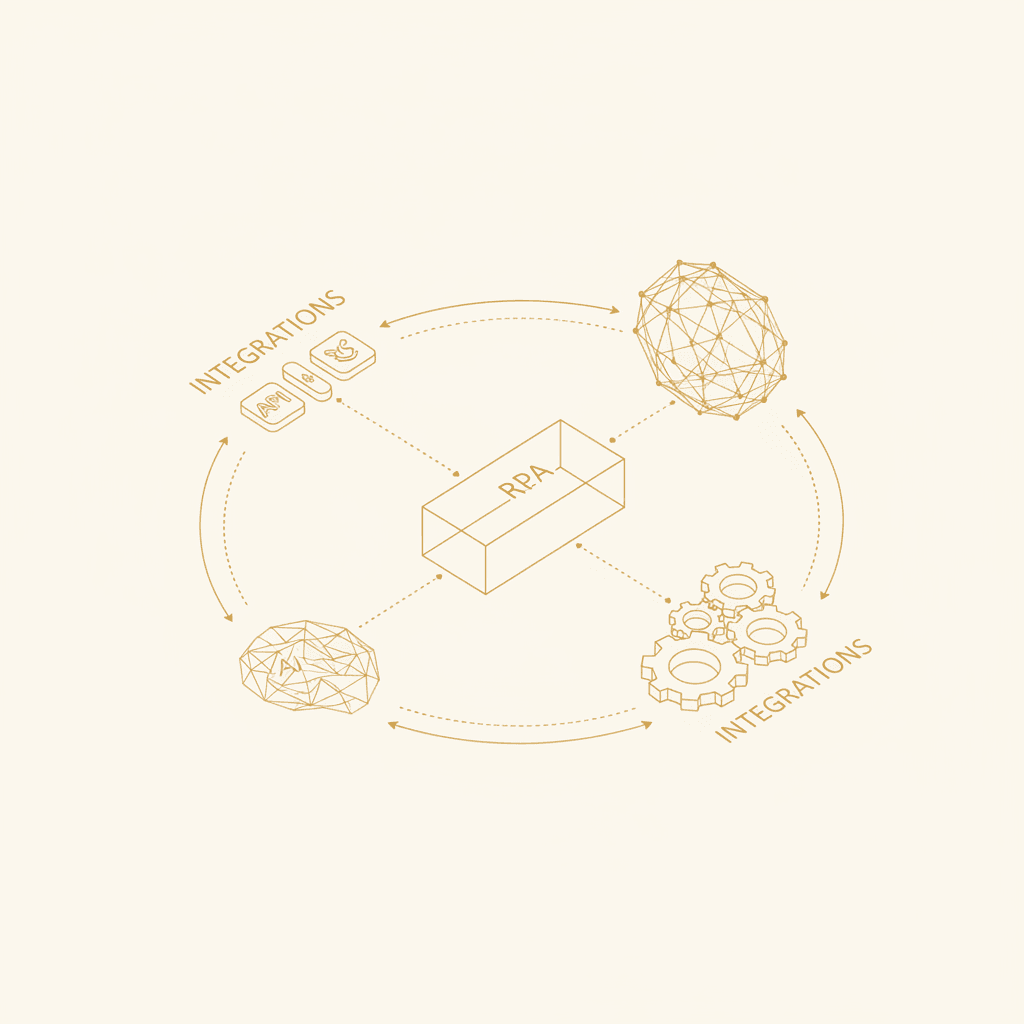
The short answer is: it depends on the problem you want to solve. The long answer is what you’ll read below. Let’s break down the three main families of automation tools (RPA, AI, and integrations), when to use each one, and how they fit together.
Spoiler: in 90% of cases, you don’t need as many tools as you think. You need the right ones.
The three families of tools (and what each one is for)
Before talking about specific names, it helps to understand the categories. Otherwise, you end up comparing apples and oranges.
| Family | What it does | When you need it |
|---|---|---|
| RPA (Robotic Process Automation) | Imitates a human using graphical interfaces: clicks, forms, copy-paste | When you work with legacy software or software without an API |
| AI / LLMs | Understands language, makes decisions, generates content, classifies information | When you need to interpret text or voice, or make non-trivial decisions |
| Integrations / iPaaS | Connects APIs between modern applications to move data smoothly | When your apps have APIs and need to talk to each other |
Most serious projects combine at least two of these families. For example: an integration that captures an incoming email (iPaaS) + an AI model that classifies it + an RPA bot that updates an old ERP with no API.
1. RPA: when your software feels like it’s from the 2000s
RPA means a “robot” clicks, fills in forms, and copies data just like a junior assistant would. It doesn’t understand anything — it just repeats.
When it makes sense
- You work with an ERP, CRM, or internal system without an API (common in banking, healthcare, the public sector, manufacturing).
- The process is well defined: step A, step B, step C, with no weird exceptions.
- The volume justifies the maintenance cost (RPA breaks when the interface changes).
Typical tools
- UiPath — the most widely used in large enterprises. Powerful but expensive and complex.
- Automation Anywhere — a direct competitor to UiPath.
- Microsoft Power Automate Desktop — free if you already use Windows, enough for simple tasks.
- Blue Prism — aimed at large, highly regulated companies.
The problem with pure RPA
It’s fragile. If a website moves a button, the bot stops working. That’s why in modern projects we use RPA only when there’s no alternative, and always as a last resort within a broader workflow.
2. AI: the brain of the system
This is where the game has changed over the last three years. Generative AI (GPT-4, Claude, Gemini, etc.) has made trivial tasks that used to require months of development: reading an email and understanding the request, transcribing a call, classifying a document, generating a personalized proposal.
The tools that really matter
Language models (LLMs):
- OpenAI (GPT-4, GPT-4o) — the de facto standard. The best quality-to-price ratio for most use cases.
- Anthropic (Claude) — excellent for long tasks, analysis, and reasoning.
- Google Gemini — strong if you’re already in the Google ecosystem.
- Open-source models (Llama, Mistral) — when you need to run AI on your own infrastructure for privacy reasons.
Voice:
- ElevenLabs — human-like voice synthesis.
- Deepgram / Whisper (OpenAI) — real-time call transcription.
- Vapi, Retell — platforms for building voice agents that answer the phone.
Vision and documents:
- GPT-4 Vision / Claude Vision — read invoices, contracts, screenshots.
- AWS Textract, Google Document AI — structured document extraction at scale.
Semantic search (RAG):
- Pinecone, Weaviate, Qdrant — vector databases so a bot can “remember” your internal documentation.
What AI does well (and what it doesn’t)
AI is brilliant at interpreting text, generating content, and making decisions when there’s enough context. But it hallucinates when it doesn’t know something, and it needs to be connected to real data sources to be reliable in a business. A standalone AI without integrations is a toy. An AI connected to your CRM, your calendar, and your email is a productivity machine.
3. Integrations: the circulatory system
This is the least sexy part — and the most important. Without integrations, AI and RPA are islands. Integrations are what move data from one place to another.
The main platforms
| Platform | For whom | Pros | Cons |
|---|---|---|---|
| n8n | Businesses that want control and don’t want to depend on a vendor | Open-source, self-hosted, 400+ integrations, advanced logic | Slightly steeper learning curve |
| Zapier | Non-technical teams, simple automations | Very easy, thousands of apps | Expensive at scale, limited in complex logic |
| Make (formerly Integromat) | Middle ground between Zapier and n8n | Visual, powerful, reasonably priced | Cloud-only, less flexible than n8n |
| Workato | Large companies with budget | Very robust, enterprise support | Expensive, complex |
Why we use n8n
At Studio SmartWork, we build on n8n for three very specific reasons:
- It’s open-source. The client doesn’t get locked in. If they decide to bring maintenance in-house tomorrow, they can. No ridiculous licenses that scale with business success.
- It has 400+ native integrations and allows custom code when needed. You don’t hit a wall at the third step of the flow.
- It works extremely well with LLMs. AI nodes are built in, so connecting GPT-4 or Claude to your CRM takes minutes.
The right question is not “what tools,” but “what problem”
Let’s see how real problems translate into tool stacks:
Case 1: “I miss calls because nobody answers after hours”
- Voice AI (Vapi/Retell + OpenAI) to understand and respond.
- Integration with your calendar (Google Calendar / Calendly) to book appointments.
- Integration with your CRM to log the contact.
- No RPA, everything is modern API-based.
Case 2: “My inbox eats 3 hours a day”
- LLM (GPT-4 or Claude) to classify, prioritize, and draft replies.
- Integration with Gmail/Outlook via API.
- Vector database if you want it to answer using your documentation.
- Typical result: from 3 hours to 15 minutes a day, urgent items handled in 8 minutes instead of 2–3 hours.
Case 3: “My leads go cold before we call them”
- Integration with the web form / LinkedIn.
- Enrichment APIs (Clearbit, Apollo, LinkedIn).
- LLM to score and personalize the first touch.
- Integration with CRM and email.
- Typical result: response time from hours to under 60 seconds, +35% response rate.
Case 4: “I have to update an old system manually every day”
- RPA (Power Automate Desktop or UiPath) for the system without an API.
- n8n orchestrating the flow.
- LLM if data needs to be interpreted before entering it.
The minimum viable stack for an SME in 2026
If you had to start today with the bare essentials, it would be three things:
1. An orchestration platform (n8n or Make). 2. Access to an LLM via API (OpenAI or Anthropic). 3. APIs/connectors for the apps you already use (CRM, email, calendar, ERP).
With that, you cover 80% of automation use cases in an SME. The rest (RPA, voice, vision, vector databases) gets added when the specific problem calls for it.
The most expensive mistake: buying tools before designing the process
The usual trap is this: someone reads about a new tool, buys licenses for the whole team, and then tries to fit their processes into what the tool can do.
That’s the wrong order.
The right order is:
- Map the real process (not the one you think you have — the one that actually happens).
- Identify the bottlenecks and how much time they cost per week.
- Design the automated flow on paper.
- Choose the tools that best fit that flow.
- Build, test, deploy.
Tools are the last decision, not the first.
So, what do you need?
Probably less than you think, but better combined than you expect.
At Studio SmartWork, we don’t sell software — we design and run custom automations using this kind of stack (n8n + LLMs + your current app APIs). Tell us the problem and in under 7 days you have a working solution. No endless licenses, no vendor lock-in, no projects that drag on for six months.
The technology is already here. It just needs to be applied well.